
How can I send messages to other participants?
If your event includes a participant directory you can send messages to other participants by:
- Logging in to your event if you have not already
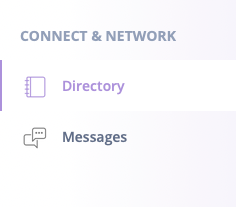
- Go to the Event Menu Bar
- Click Directory (note: in your event the section may have a different title. It is the list of attendees)
- Find the attendee you want to contact
- Click on the message bubble on the right side of the name
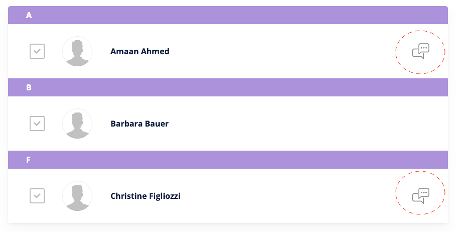
If the attendee does not have a message bubble, their preferences are set to not receive messages or they have not yet logged into the platform.
Last updated on May 5, 2021